Ultra-realistic digital human replicas

Realistic facial micro-expressions and body movements. An avatar can replicate any person.

Ultra-realistic AI avatars for real-time conversations.
A face for AI agents and digital services across enterprises, the public sector, and SMBs.
FEATURES
Realistic facial micro-expressions and body movements. An avatar can replicate any person.

Integrate in minutes with real-time APIs. Latency from 200 ms.

A complete technology stack for deployment in secure, isolated environments with no dependency on external services.
One avatar. Different ways to connect with your users.
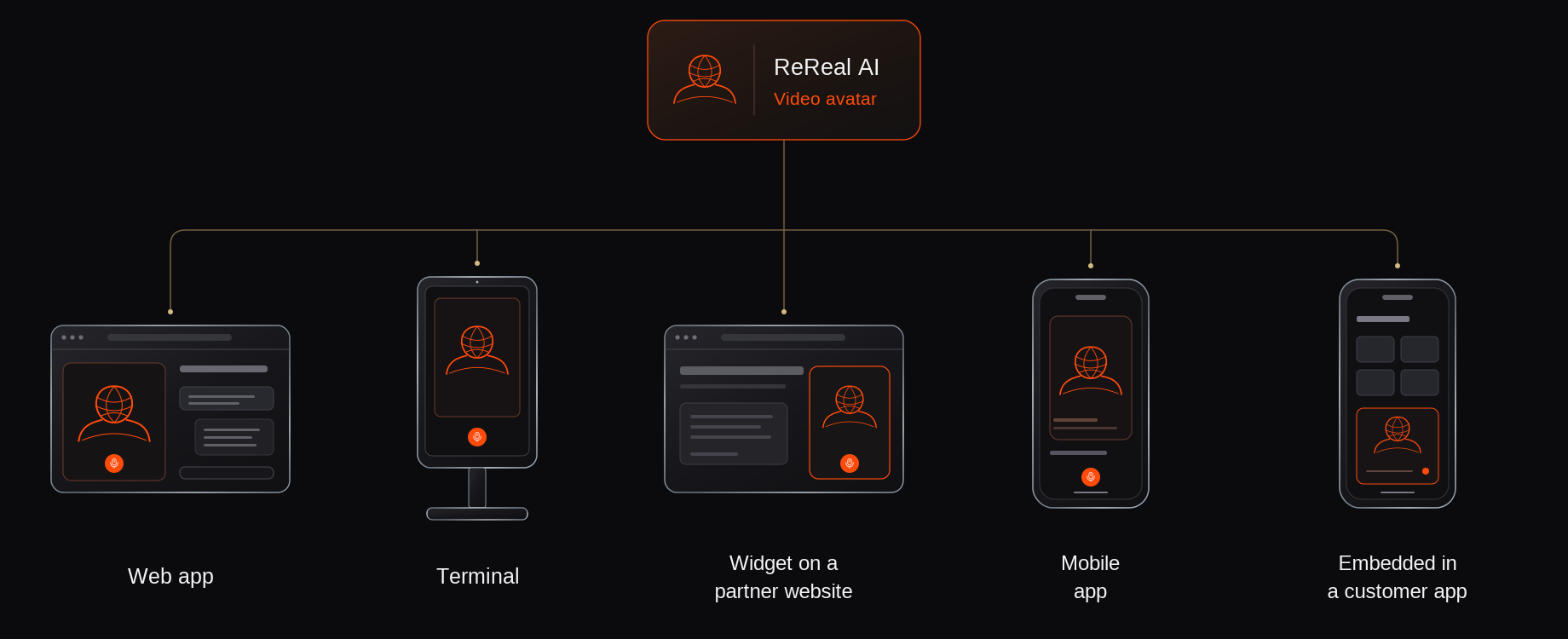
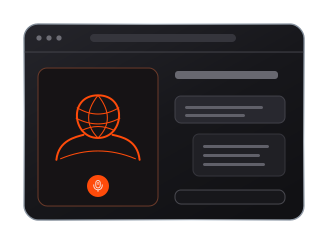 Web app
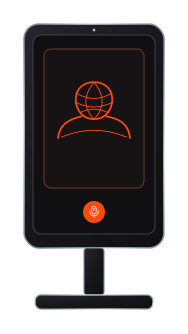 Terminal
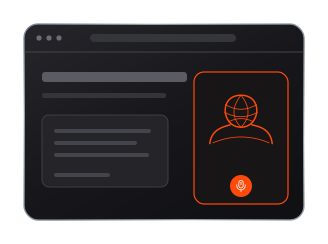 Partner website widget
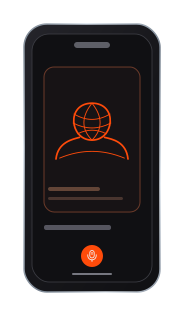 Mobile app
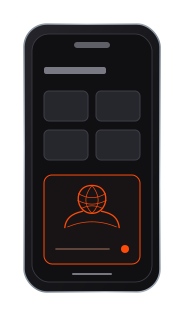 Embedded in a customer app
Consultation, training, support and media. Available functions depend on the selected configuration and your service logic.
Introduces the company and its services, guides visitors through a website or app and helps them choose.
Explains the product, addresses concerns and guides people towards an enquiry, purchase, appointment or application.
Answers questions, guides people to a service or order and helps with delivery, status and next steps.
Helps visitors choose a service, book, pay and find their way.
Introduces a role, explains processes and answers common questions.
Explains material, simulates work scenarios and helps reinforce skills.
Conducts interviews, collects information and supports candidate and employee assessment.
Helps with work and unfamiliar situations, supports development and feedback.
Explains products and guides scenarios in travel, property, health, finance and other industries.
Explains complex topics, answers questions, checks knowledge and helps review mistakes.
Personalises content and scales communication.
Hosts broadcasts, engages the audience and guides guests through the programme.
Screen — to display the avatar and interface.
Speakers or headphones — to play the avatar’s speech.
Microphone — for voice input.
Controls — a touchscreen, or a mouse and keyboard.
Components may be built in or connected separately.
Computer — a desktop PC, laptop or built-in terminal computer. For mobile use, a smartphone or tablet.
Internet — a stable connection of at least 30 Mbps download and 30 Mbps upload for cloud access.
Browser — Google Chrome or Yandex Browser are recommended. Voice input requires permission to access the microphone.
Intelligible speech — noise and other people’s voices must not overlap the user’s speech.
Microphone placement — taking room acoustics and the presence of other people into account.
Checks before launch — we recommend testing voice interaction at the site under typical noise conditions.
The customer provides the equipment, connectivity, placement and setup, including microphone audio quality.
From an avatar with a voice to a complete live dialogue interface.
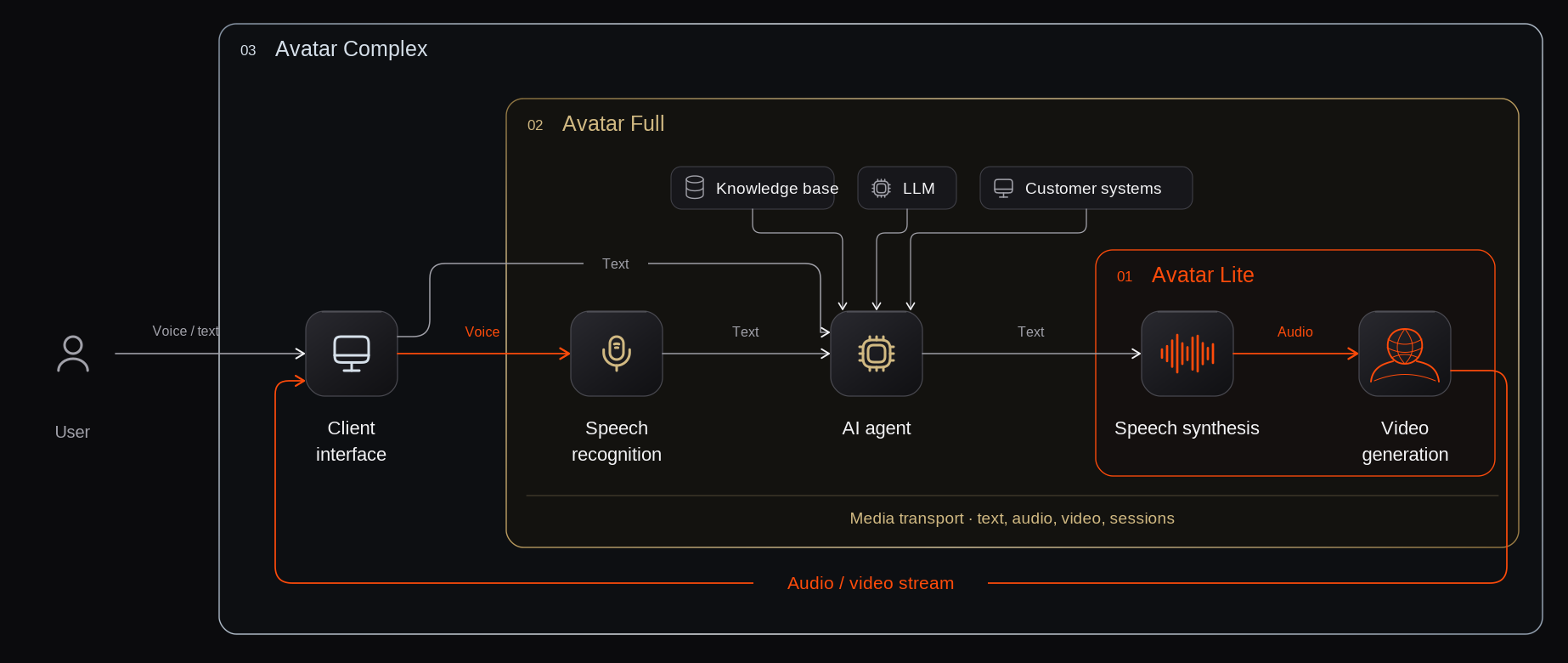
Speech synthesis, realistic video and lip sync. Your system handles requests, answer text, dialogue logic and the interface.
Speech recognition, request processing, answer generation and avatar playback. The customer provides the client interface, or it is agreed separately.
Avatar Full capabilities together with a client interface for interaction with the avatar.
A realistic AI avatar with a voice, in your interface.
Live Avatar Lite is a video layer for digital communication: speech synthesis, realistic video and lip sync with the audio stream. The digital likeness is created from video of a person.
Sequential video generation and real-time streaming provide continuous interaction and the feeling of a live conversation.
Your system supplies the text and interaction logic. Lite does not include an AI agent, LLM, answer generation or dialogue management.
ReReal AI Live Avatar Engine generates realistic video. The avatar appears on a static background, selected by the customer in advance for configuration.
Two ready-made, high-quality avatars: male and female. The selected avatar comes with its voice.
Created from customer video. ReReal helps arrange filming that meets the material requirements.
Model training takes at least 2 business days after materials are received. The voice is created from customer materials as part of avatar model training.
Connected by ReReal AI Platform through an external provider and supplied with the avatar. The voice configuration depends on the selected avatar.
Interruption: when a user starts speaking during the avatar’s answer, the customer system must send an interrupt command through the agreed integration mechanism.
Delivered through an SDK for the customer interface. The SDK connects it to ReReal AI Avatar Platform, plays the audio/video stream, handles states and events, and manages the session.
A README provides setup and integration instructions. The endpoint and client access key are supplied separately; authentication credentials are transmitted through a secure channel.
The customer must provide an HTTPS-accessible, OpenAI-compatible Chat Completions API with SSE streaming for its LLM. Streaming generated text reduces the overall delay before playback.
Basic interaction requirementsThe total includes the licence, setup, selected avatar, voice package and technical support. Starting rates are shown; the final price is agreed for each project.
Support may be excluded from the supply terms. Scope and response times are listed on the calculation’s “Technical support” sheet.
Values from the source calculation. Packages and totals are recalculated for load on the “Voice calculator” sheet.
Monthly voice cost depends on calendar days; the period total is the sum of monthly packages.
Let’s discuss your scenario, avatar and integration configuration.